

Setting up the Attio integration
1. Find the integration in Granola
You can find Connectors in your Settings, via your avatar in the bottom left. Here you’ll see Attio as an integration: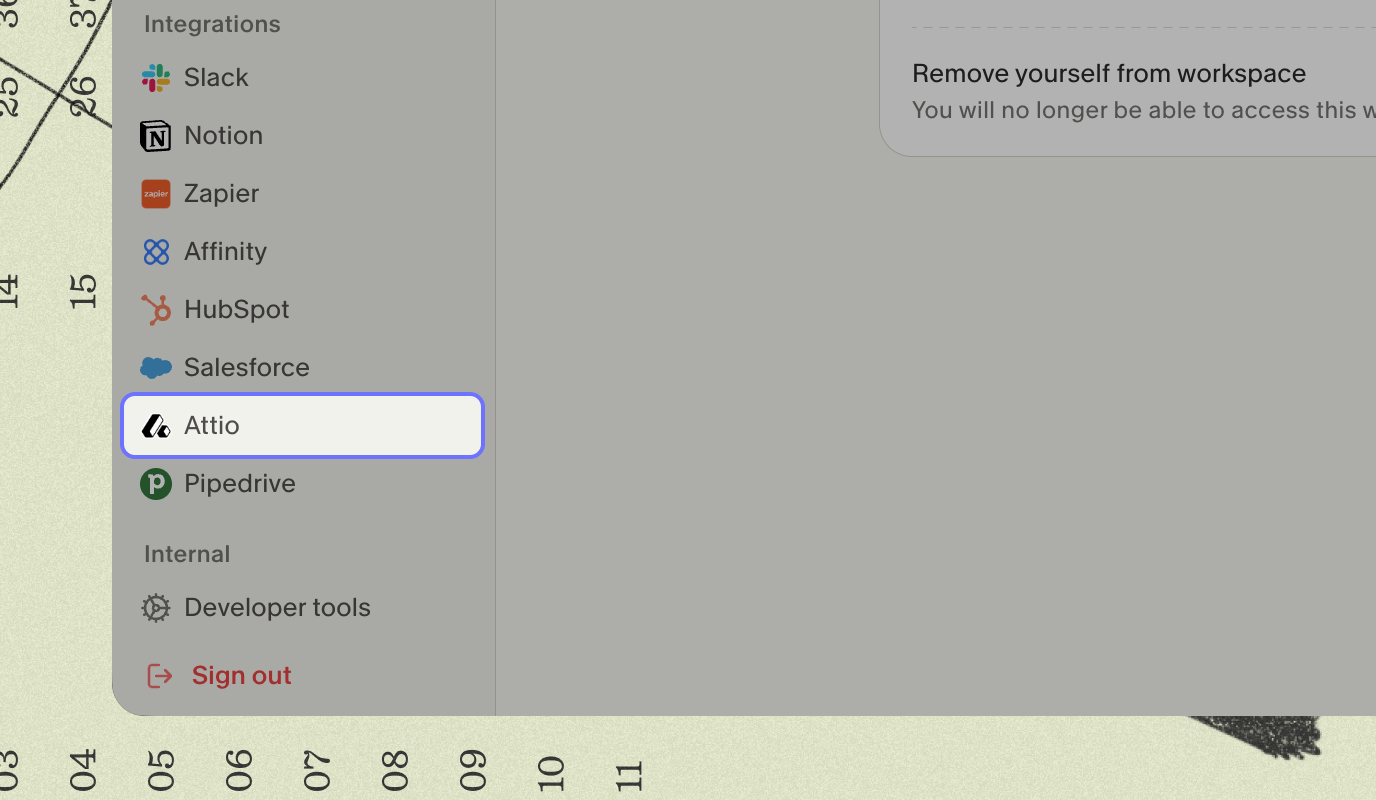
2. Connect your Attio workspace
Click to connect Attio to your Granola account. This will launch a webpage for you to connect Attio to Granola. Once the connection is complete, you can close the tab and go back to Granola.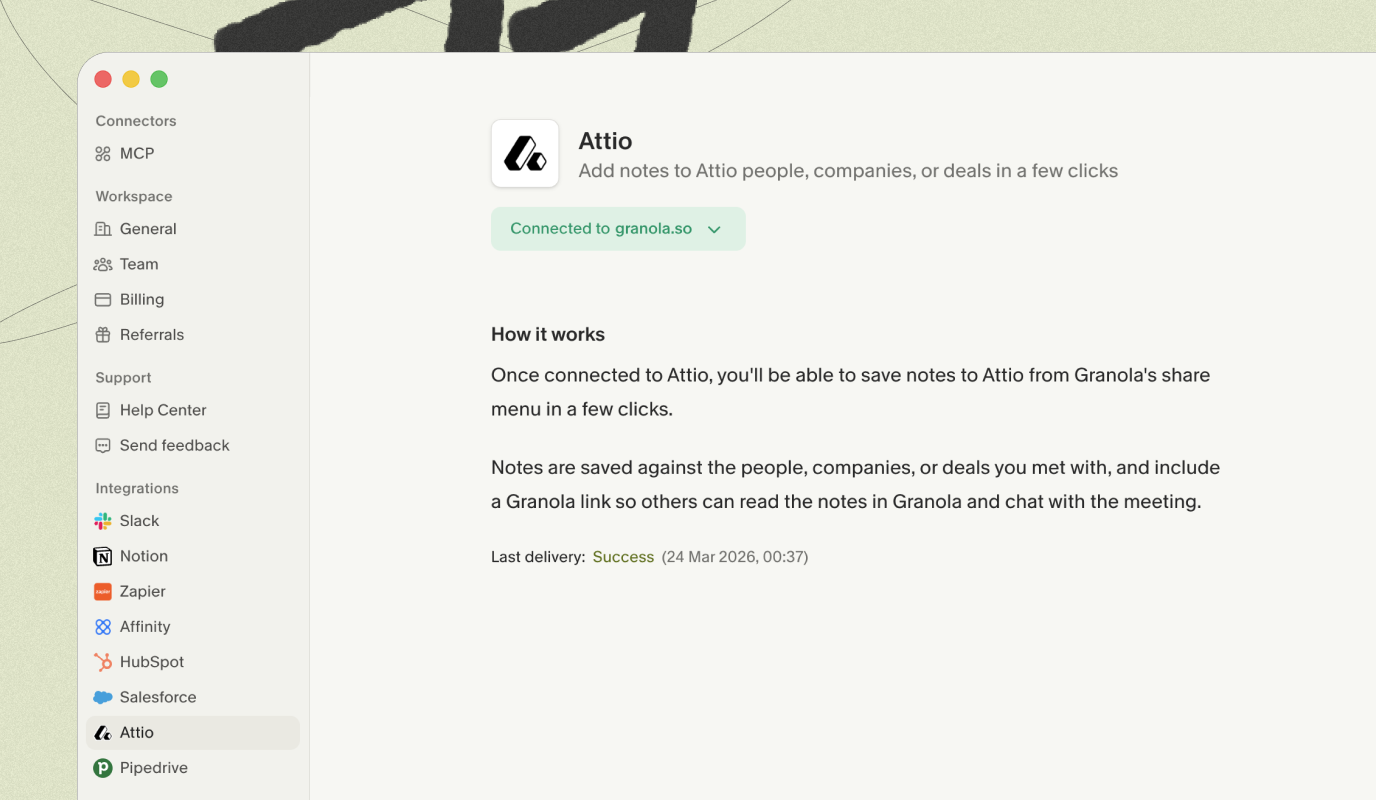
3. Share notes to Attio
Sharing individual notes
Once connected, you can share any note to Attio by clicking the Attio option in the top right of the note. Choose the person or company that you’d like to share to — Granola will suggest people or companies that are involved in the meeting. The Granola notes will be added as a note on that record.Auto-sharing notes added to folders
You can set up Granola to automatically save any notes that are added to Granola folders to the relevant people or companies on Attio. In a folder, click the Integrations button and turn on the option for Attio. Choose which Attio records you’d like Granola notes to attach to: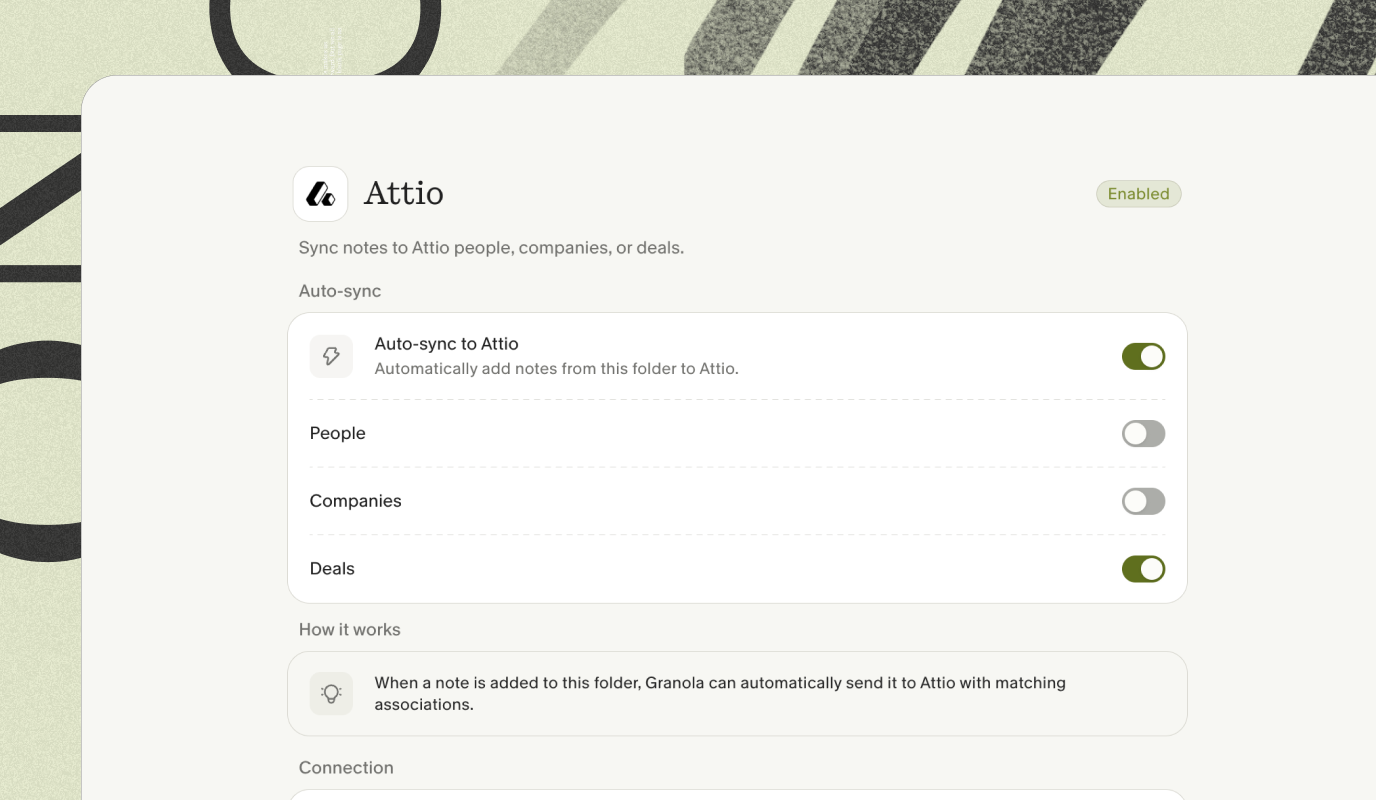 Any notes added to this Granola folder will be added to any matching Company, People or associated Deals records in your Attio workspace, based on the options you select.
Note that auto-sharing only applies to notes added to the folder after you enable the Attio integration on that folder. Notes that were already in the folder before enabling the integration will not be synced retroactively. To share older notes, use the Attio button in the top right of each note to share them individually.
Any notes added to this Granola folder will be added to any matching Company, People or associated Deals records in your Attio workspace, based on the options you select.
Note that auto-sharing only applies to notes added to the folder after you enable the Attio integration on that folder. Notes that were already in the folder before enabling the integration will not be synced retroactively. To share older notes, use the Attio button in the top right of each note to share them individually.
Troubleshooting
The "Save to Attio" option is greyed out on my note
The "Save to Attio" option is greyed out on my note
- You need to generate enhanced notes before you can share them. If Granola hasn’t generated your enhanced notes yet, try regenerating them — see AI-enhanced notes for how.
Notes from a folder aren't appearing in Attio
Notes from a folder aren't appearing in Attio
- Granola matches meeting attendees to Attio records by email address. If no matching records are found, no data will be created in Attio. Check that the attendees’ email addresses exist as People or Companies in your Attio workspace.
- You can check the status of the last sync in Settings > Attio. If there was an error, it will be shown there.