

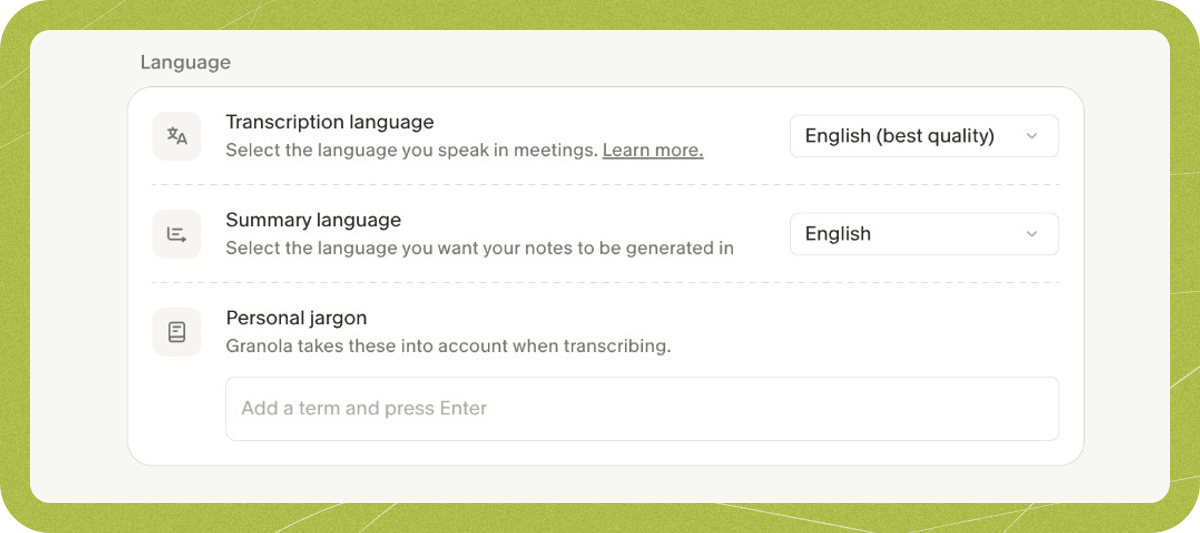
Personal jargon
Personal jargon applies to your meetings only.- Go to Settings > Preferences > Language
- Under Personal jargon, type a term
- Press Enter to add it
Workspace jargon
Workspace jargon applies to everyone in the workspace when they transcribe. Workspace admins add and remove terms in Settings > Workspace > General, under Language. Members can see the list but can’t edit it.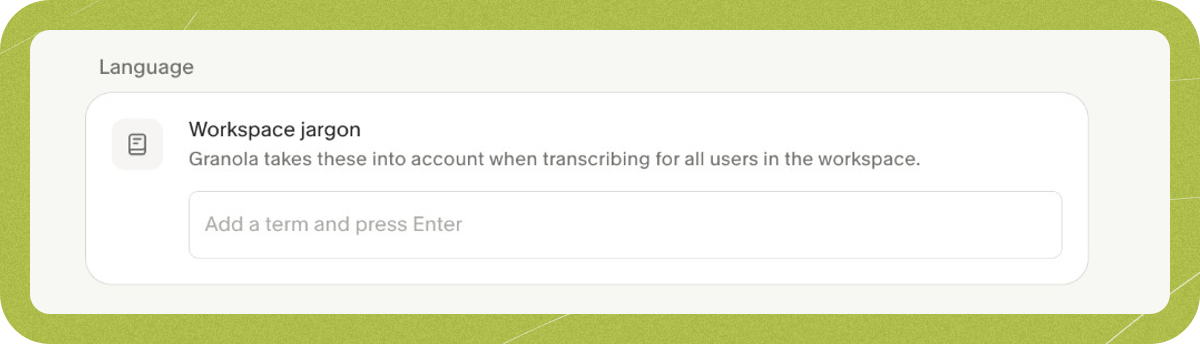
Examples
- Blokk - could be mis-transcribed as block
- Projekt DolFin - could be mis-transcribed as project dolphin
- Tekto - could be mis-transcribed as tech toe
What won’t work
- Word replacement - jargon boosts recognition of terms when they are spoken, but they can’t replace one word with another in the transcript, and a similar sounding word may still not be replaced.
- Blocks of text - each term is sent to the transcription model separately, so big sentences or paragraphs won’t be affected unless they are mentioned word-for-word during transcription
- Acronym definitions - Granola will transcribe acronyms as they’re spoken, but can’t expand/define these in the transcript - but try asking Granola to define them during/after your meeting in the chat!