Consent requirements
In short, it’s your responsibility as a user to know your requirements for getting consent from others to transcribe their voice. The feature described below does not substitute for your responsibility to follow local regulations or company policy. Always check your relevant laws or talk to your legal team to ensure compliance. You can read more about consent here.Automated consent messaging in Granola
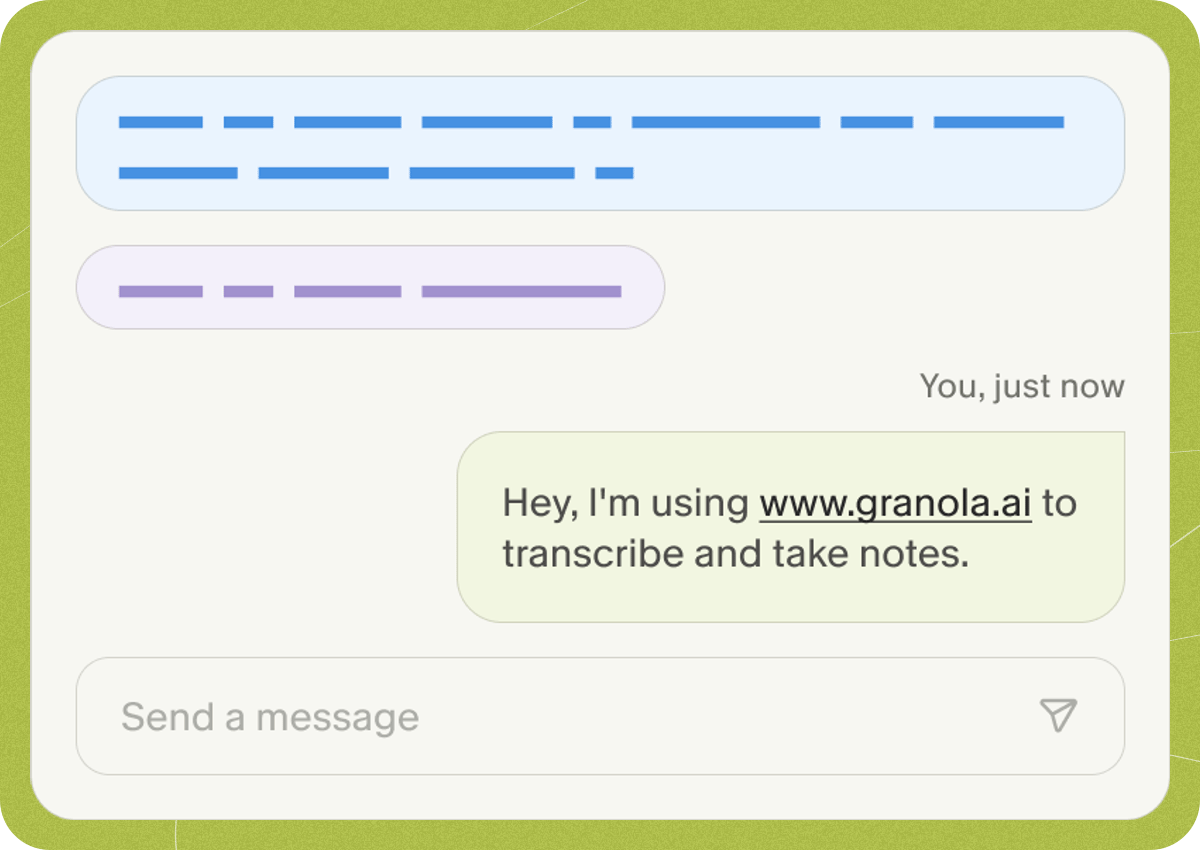
For virtual meetings, we’ve built a feature on macOS for Automatic Consent Messaging that sends an automated message at the start of each meeting to let others know you’re using Granola. Please note this is not yet available for Windows, and it’s your responsibility to ask for consent to record.Setting up automated consent messaging.
If you navigate to the settings tab in Granola, navigate to the ‘Labs’ tab and find the “Let others know you’re using Granola” toggle. You’re able to replace the default text once it’s activated, to make the message your own.

You’re all set
Now, every time you have a meeting in Google Meet or Zoom, your consent message will automatically send in the chat window of your meeting. What triggers the message to send? This automated message sends when:- Transcription has already started and recorded some speech
- The video call window is ‘in focus’ - i.e. you’ve clicked on it

Troubleshooting
Loom Confetti
If you have Loom running when you’re on Granola, it will break this functionality unless you switch off the keyboard shortcut for confetti. Open up the Loom widget and click on the three dots to open the settings. Open up Preferences and x out of the keyboard shortcut for confettiMessage isn’t sending right at the start of a meeting
This automated message sends when:- Transcription has already started and recorded some transcription
- The video call window is ‘in focus’ - i.e. you’ve clicked on it