Supported languages
Granola supports 31 languages on desktop (macOS and Windows) and 17 languages on mobile (iOS and Android). See the table below for the full list by platform.Supported languages by platform
Supported languages by platform
Transcribing multiple languages
On desktop (macOS and Windows) when the Multi-language transcription language setting is enabled, Granola will allow you to swap between any of the supported languages throughout your meeting and should transcribe all of them. On iOS and Android, Granola will analyze the transcript and choose a single language to transcribe in, so it’s best to stick to a single language throughout your meeting. Once a meeting is transcribed, the language can’t be changed afterwards.Choosing your language preferences
You don’t need to do anything to set up multi-language transcription on iOS and Android - it’s enabled by default and works for all of the iOS and Android languages listed above. On iOS and Android, summaries are automatically generated in the majority language detected during transcription. There is no manual summary language setting on iOS and Android. On the desktop app (macOS/Windows), go to Settings > Preferences > Language to choose the languages you’d like to use for transcriptions and summaries: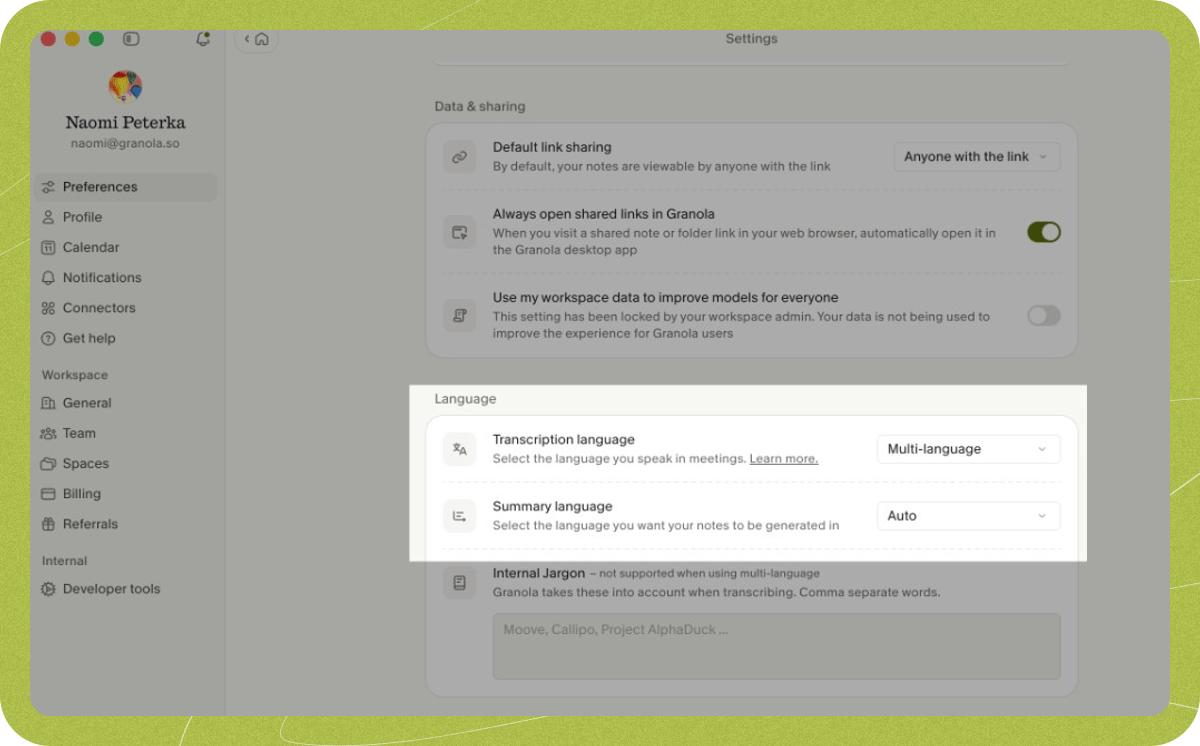
Transcription language
- English: best quality if the majority of your meetings are in English
- Multi-language: seamlessly transcribes all the desktop languages listed above, even if multiple languages are spoken in the same meeting
Summary language
- English: AI-generated notes will be in English, regardless of the language that was transcribed during the meeting
- Auto: AI-generated notes will be in the majority language that was transcribed during the meeting
Changing languages during a meeting
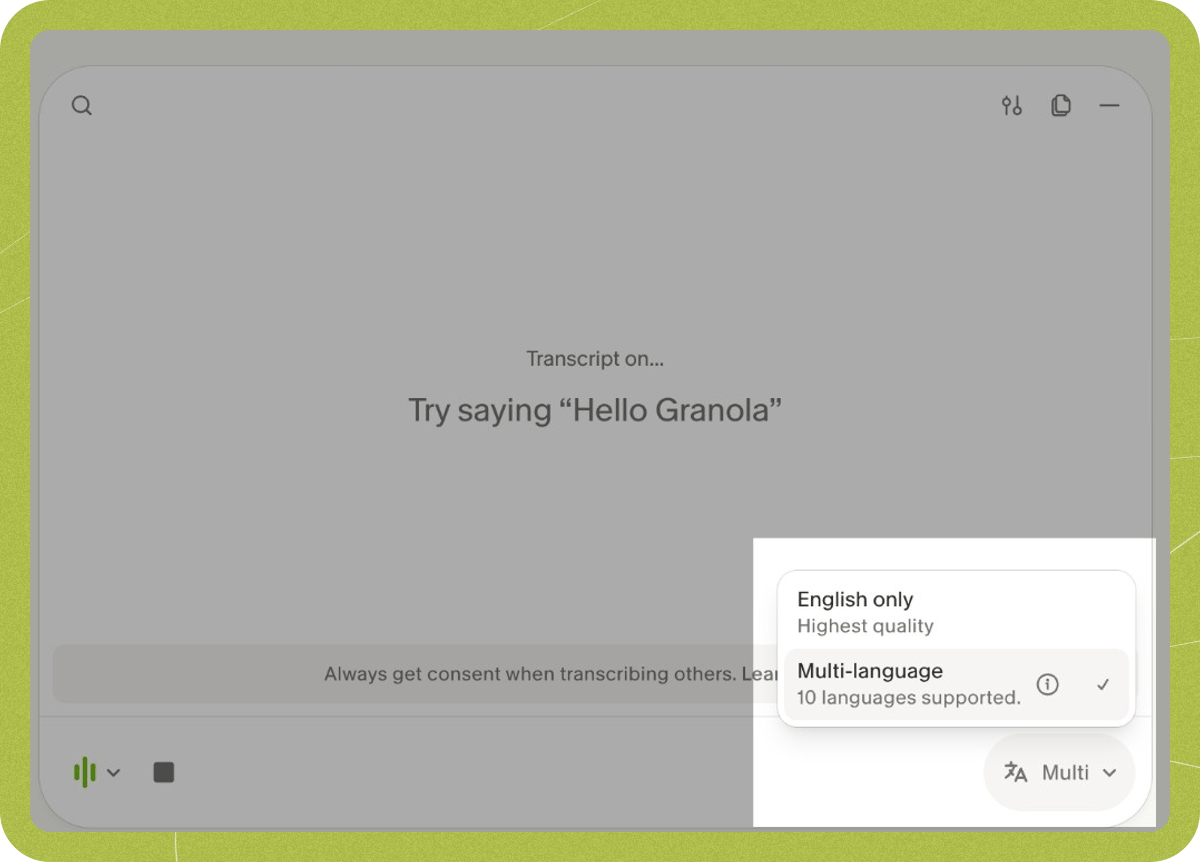
You can change the language during an active meeting in the meeting controls: