

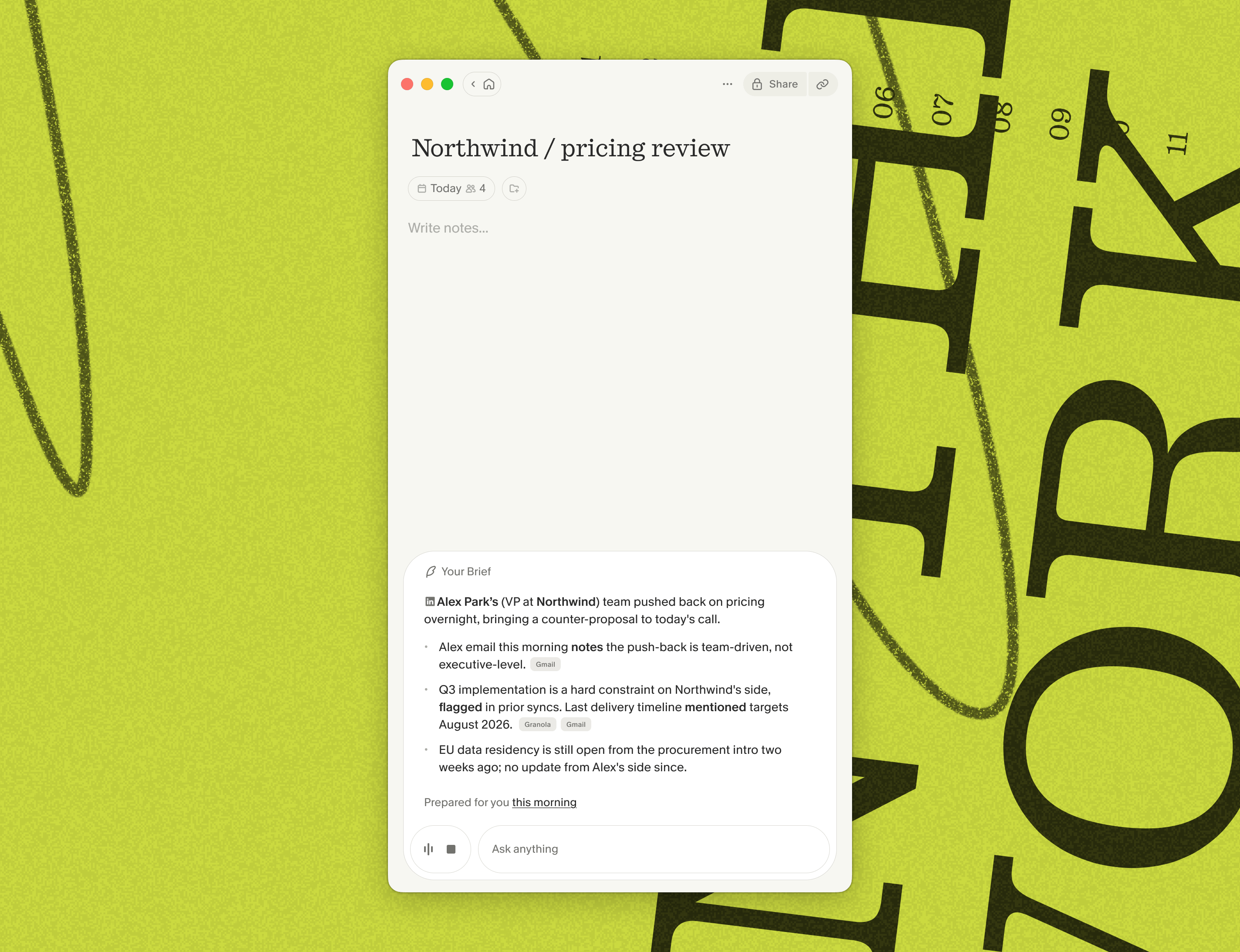
Where to find it
When you open a note for an upcoming meeting, the brief shows up automatically at the top of the chat panel - just click to expand it and see the full set of context that Granola has gathered.Overnight prep
Briefs are gathered for you overnight. Granola looks at your upcoming external meetings, decides how to prepare for each one, then goes and finds relevant details to catch you up. So every morning, you can go through your upcoming meetings and get prepared for each one. The information comes from:- Your previous Granola notes with the same people or company
- Relevant shared notes in your Granola workspace
- The wider web, including sources like LinkedIn
- Your calendar event details and agenda
- Gmail, if you choose to connect it (see below)
Connecting Gmail for richer briefs
Connecting Gmail lets Granola pull in recent email threads with the people you’re meeting, so the brief can highlight recent context from your inbox. You can optionally connect Gmail directly from the brief panel by clicking Connect Gmail in the banner below the brief, or from Settings > Connectors > Gmail. If you need to disconnect your Gmail account, you can do this in the Settings > Connectors > Gmail menu as well.Troubleshooting
Currently, briefs are only available for Business and Enterprise users with Google Calendar connected. We’re exploring support for Microsoft Calendar in future. If you run into other issues with briefs, here’s a couple of things that might help.Brief not showing up
Brief not showing up
Briefs are only generated for meetings with people outside your own organization (e.g. suppliers, customers, prospects, or candidates). Meetings that only include people from your own company won’t get a brief.Granola also won’t generate a brief if it can’t find enough useful information to prep you (for example, a brand-new contact with no online presence and no prior meeting history). This is by design – we’d rather show nothing than pad the brief with filler.
Incorrect info in brief
Incorrect info in brief
Granola uses a range of sources to prepare your brief, but can still sometimes get things wrong. Use the thumbs-down icon on the brief to give us feedback so we can continue to improve.If you’ve got any questions, you can use the Ask AI widget on the right-hand side of this page to find an answer or get in touch with our team.