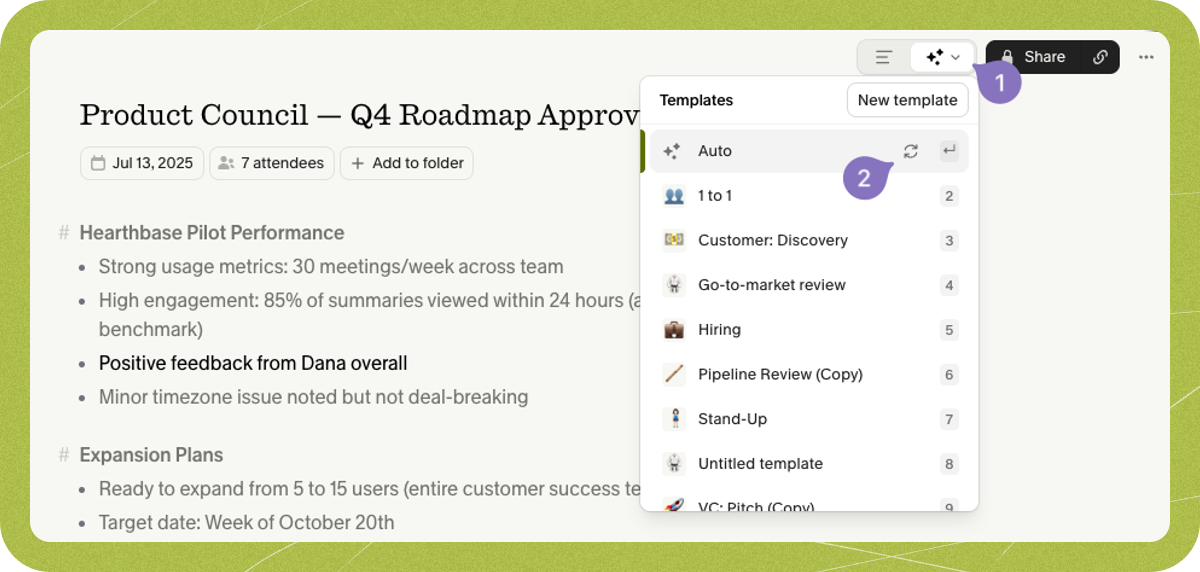
How Granola generates your notes
Granola uses a combination of the following inputs to create your notes:- The transcription captured during the meeting
- Any ‘raw’ notes you took
- Information from the calendar event
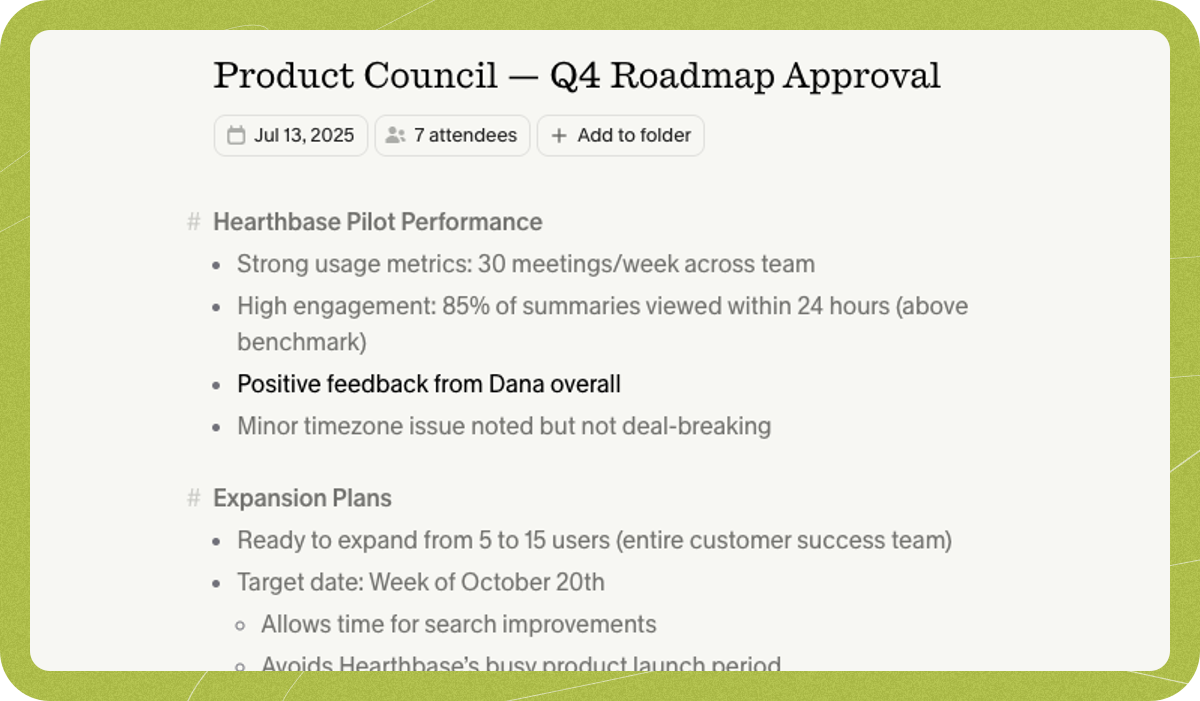
Understanding where the enhanced notes come from
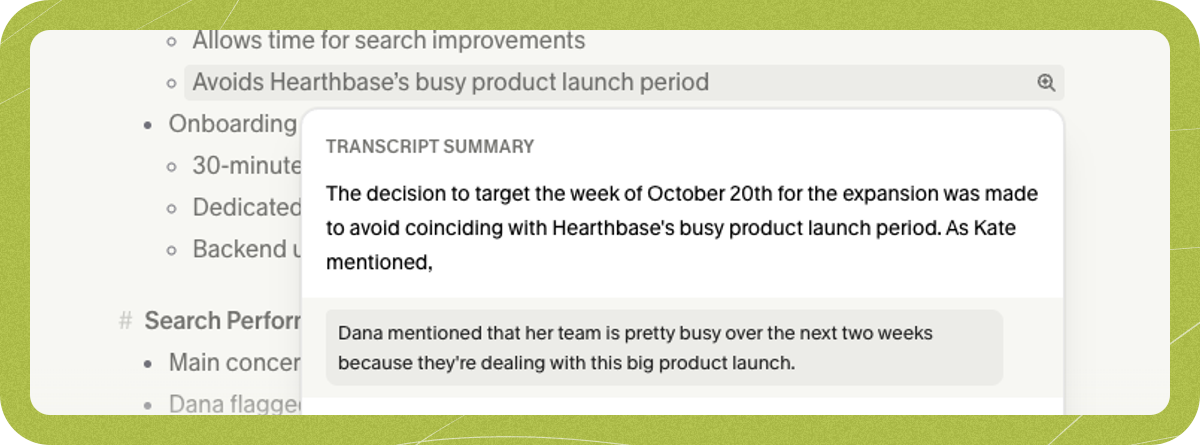
You investigate your enhanced notes to see why Granola wrote a certain point:-
Use the magnifying glass beside each note to see where in the transcript or raw notes the note came from:
- Use Granola Chat (CMD+J/Ctrl+J) to ask about specific quotes or a summary of what you’d like to know
What models does Granola use?
Granola uses a blend of different models, primarily OpenAI and Anthropic. We regularly assess and iterate on Granola’s prompts, and welcome feedback on the quality of the notes.Editing the notes
Even after Granola has generated your meeting notes, you can still change them, either by editing the enhanced notes directly, or by returning to the raw notes and editing them there, before re-enhancing them. Granola processes each meeting independently, so any edits you make to a note apply only to that specific note — they won’t influence how Granola generates notes for future meetings. To get a consistent style across all your notes, use custom templates or update your profile settings.Regenerating your notes
If you’re not a fan of Granola’s first iteration, you can:- Use Granola Chat to edit your notes with specific feedback - like “make the next steps section more detailed”, or “reorganize the note chronologically”
- Choose a different template which might better fit the format you need
- Regenerate them using the same template with the 🔁 button in the template picker