

This guide is for individuals who want to enable transparency features just for themselves. Are you an Enterprise admin enforcing these for your whole workspace? See the admin guide.
- Automated chat message — posts a short notice into the meeting chat.
- Granola Watermark — shows a small badge on your video while you’re transcribing.
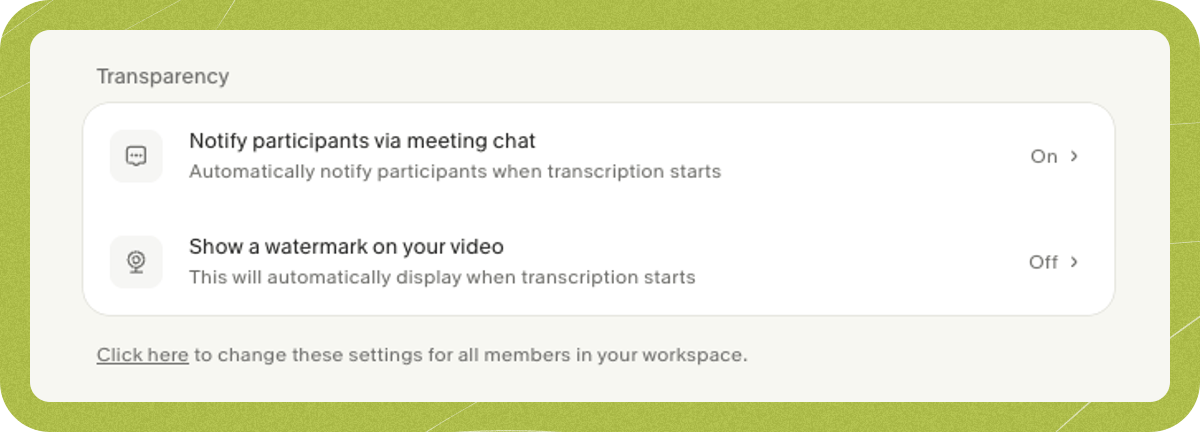
Set up the automated chat message
Google Meet
Install the Granola browser extension.
Zoom and Microsoft Teams
Turn on the chat notice. macOS also requires Accessibility permission.
Set up Granola Watermark
Granola Watermark
Turn it on, install the camera, and select it in your meeting app.