
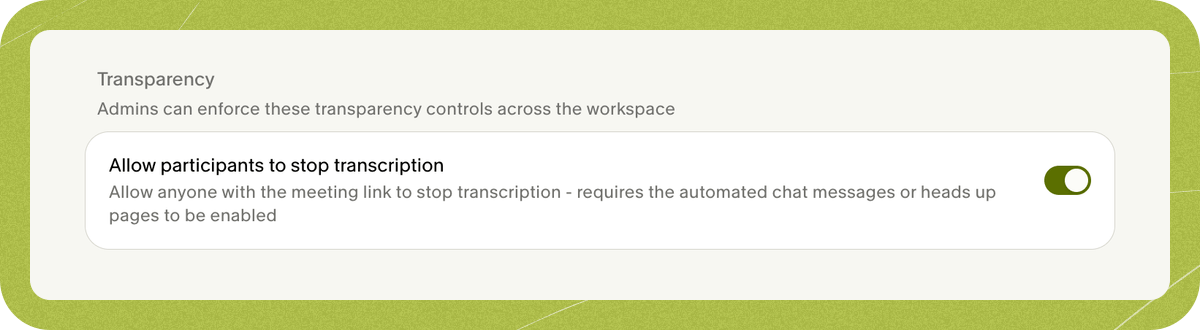
Turn on the setting
- Enable Heads Up pages or automated chat messages for your workspace. For the in-meeting controls, keep the See who is transcribing link in the chat message.
- As a workspace admin, open Settings > Workspace > Transparency.
- If the setting is available for your workspace, turn on Allow participants to stop transcription.
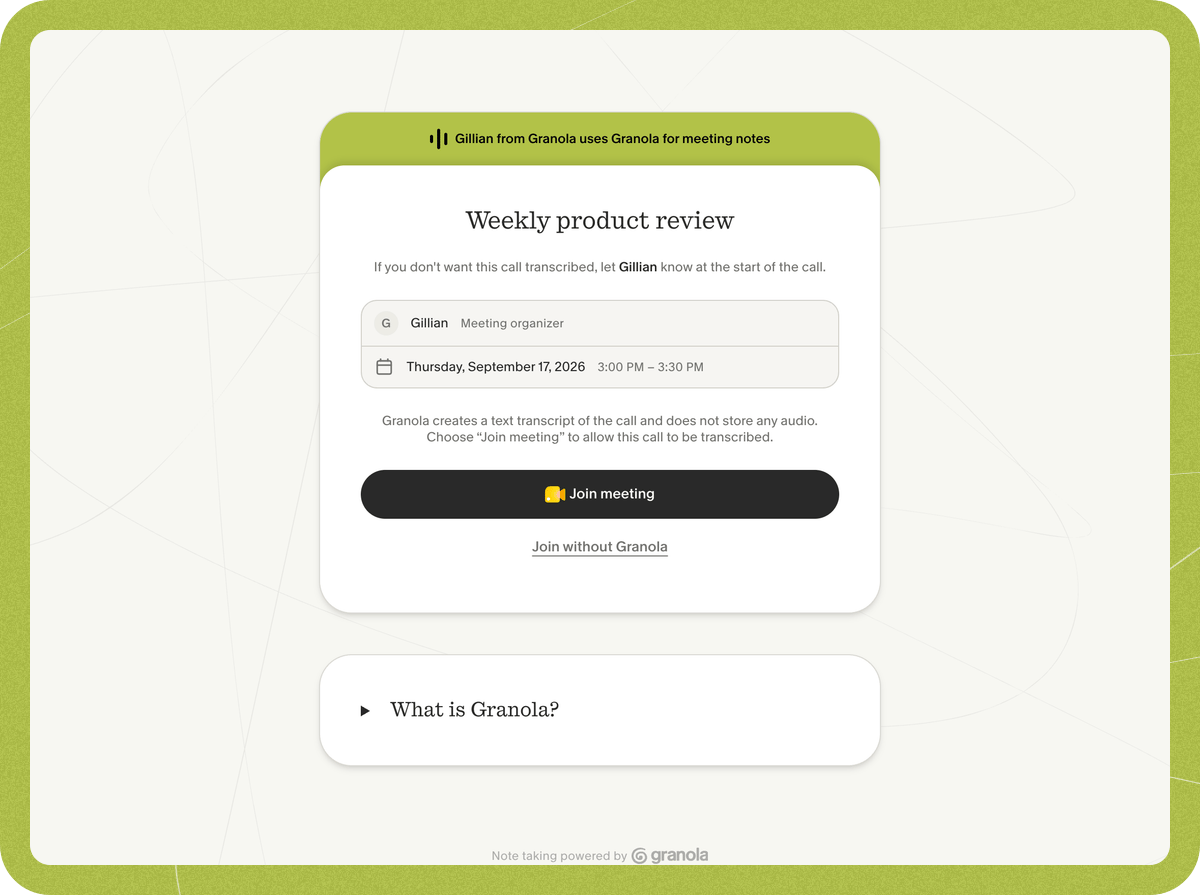
Before joining from Heads Up
- Open the Heads Up link from the calendar invite.
- Select Join without Granola, then Block Granola and join. You’ll join the call and apply the meeting-wide stop.
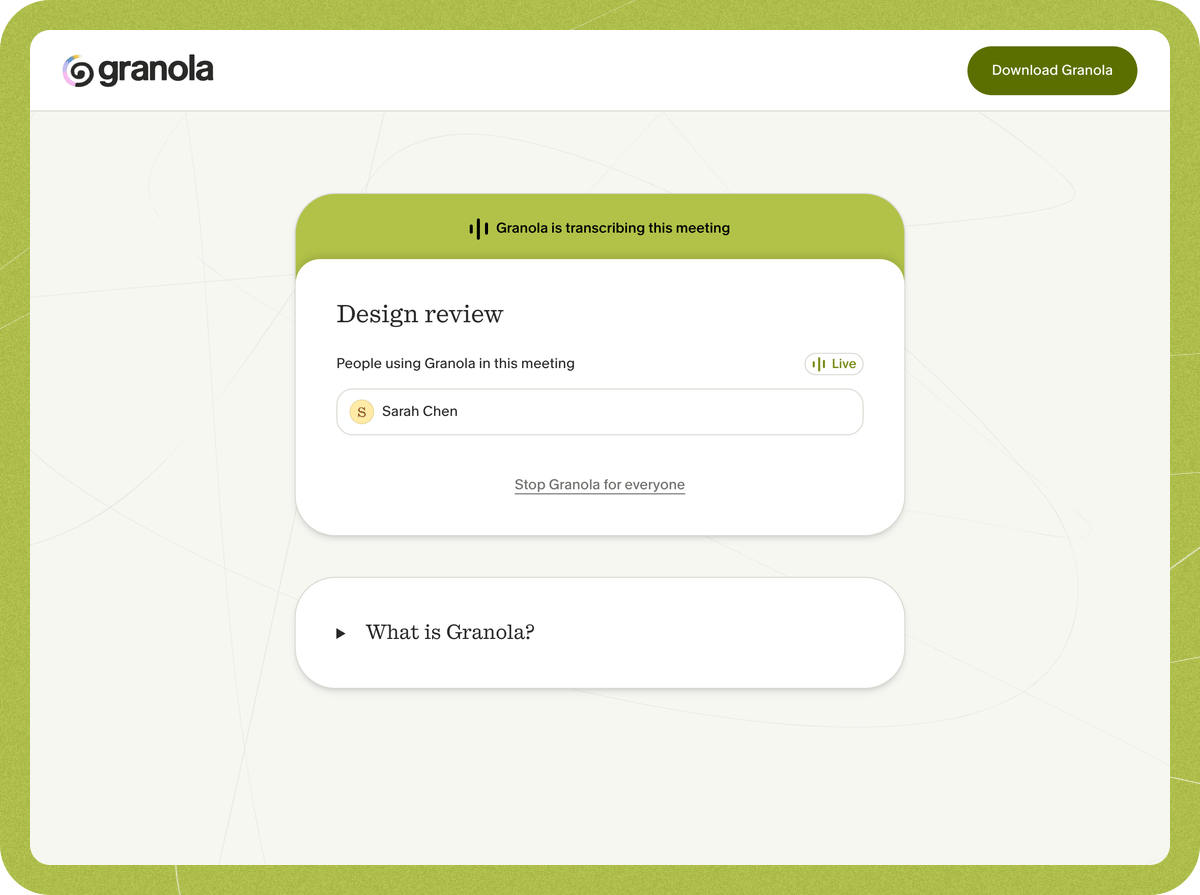
During a meeting from the live presence page
- Open the See who is transcribing link in Granola’s automated meeting chat message.
- Select Stop Granola for everyone, then Stop Granola to confirm.