
Calendar event notifications
Granola sends a notification one minute before a scheduled meeting in your calendar.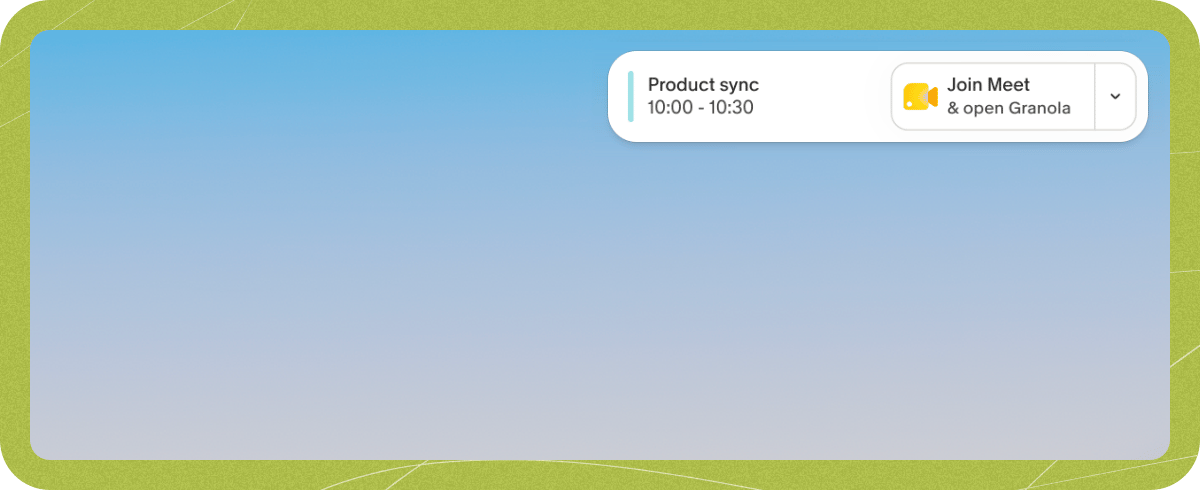
- Open the video call URL from the calendar event
- Open your Granola note for that meeting and start transcribing
- Check that your calendar is synced and events appear in Coming up
- Restart Granola
Ad-hoc call notifications
Granola can detect calls across most platforms even when they aren’t on your calendar. When Granola detects that your microphone is in use, it prompts you to take notes — useful for spontaneous calls like a Slack huddle, FaceTime, or WhatsApp call.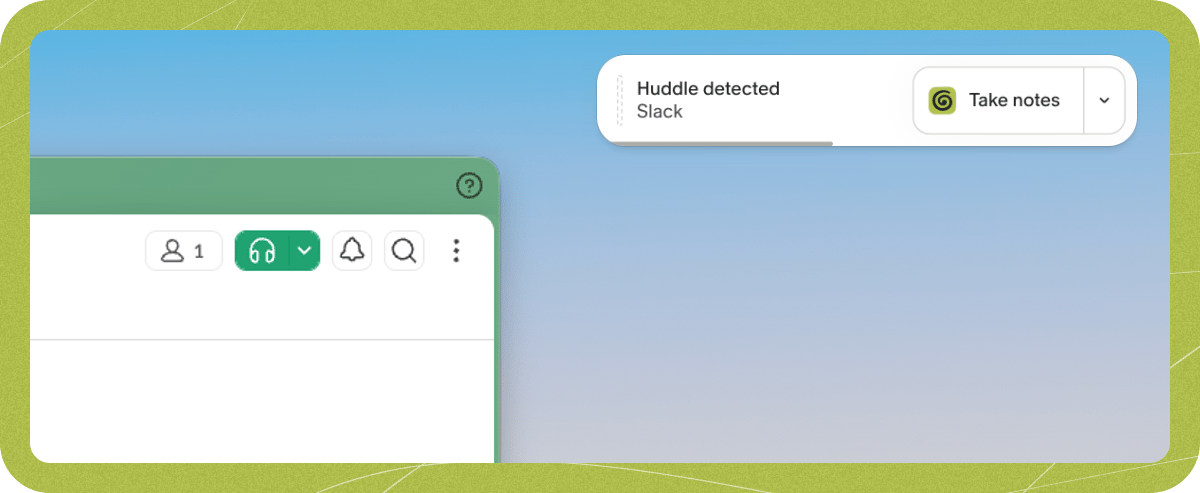
Turning off notifications
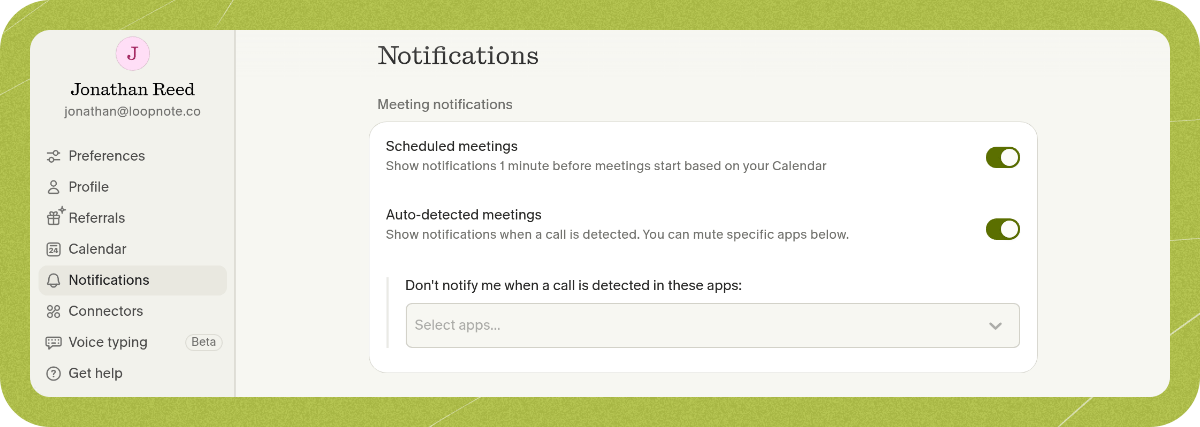
Because Granola uses its own pop-up windows rather than native operating system notifications, you manage them inside Granola — not in macOS System Settings or Windows notification settings. Open Settings > Notifications to turn off Scheduled meetings notifications, turn off Auto-detected meetings notifications, or mute specific apps.