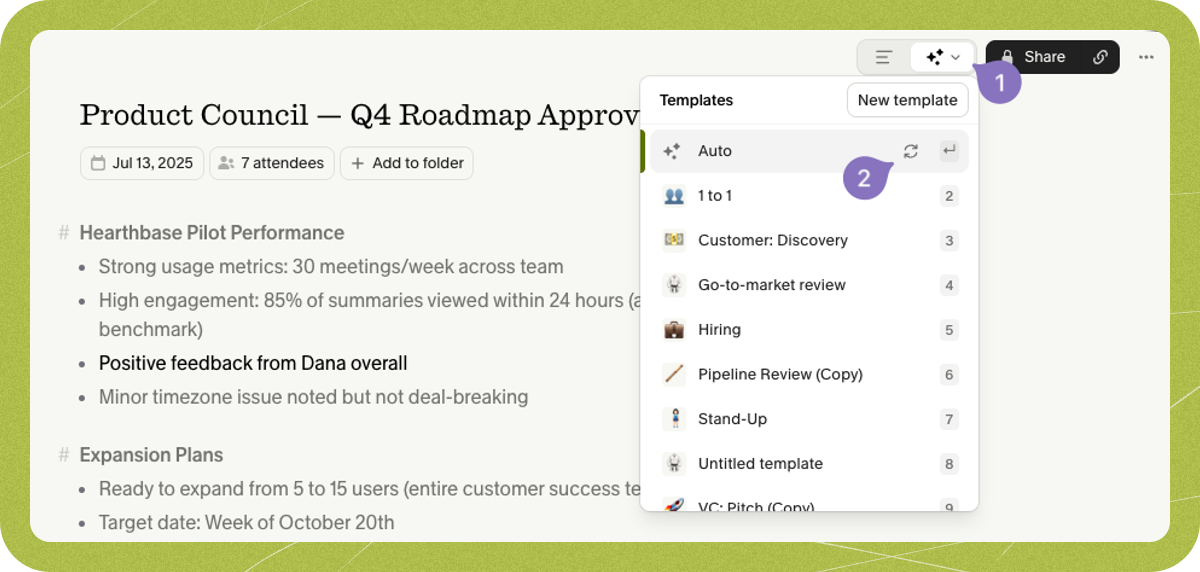

How Granola generates your notes
Granola draws on a few inputs when writing your summarized notes:- The meeting transcript
- Any private notes you typed during the meeting
- Context from the calendar event
- Your profile details from Settings > Profile
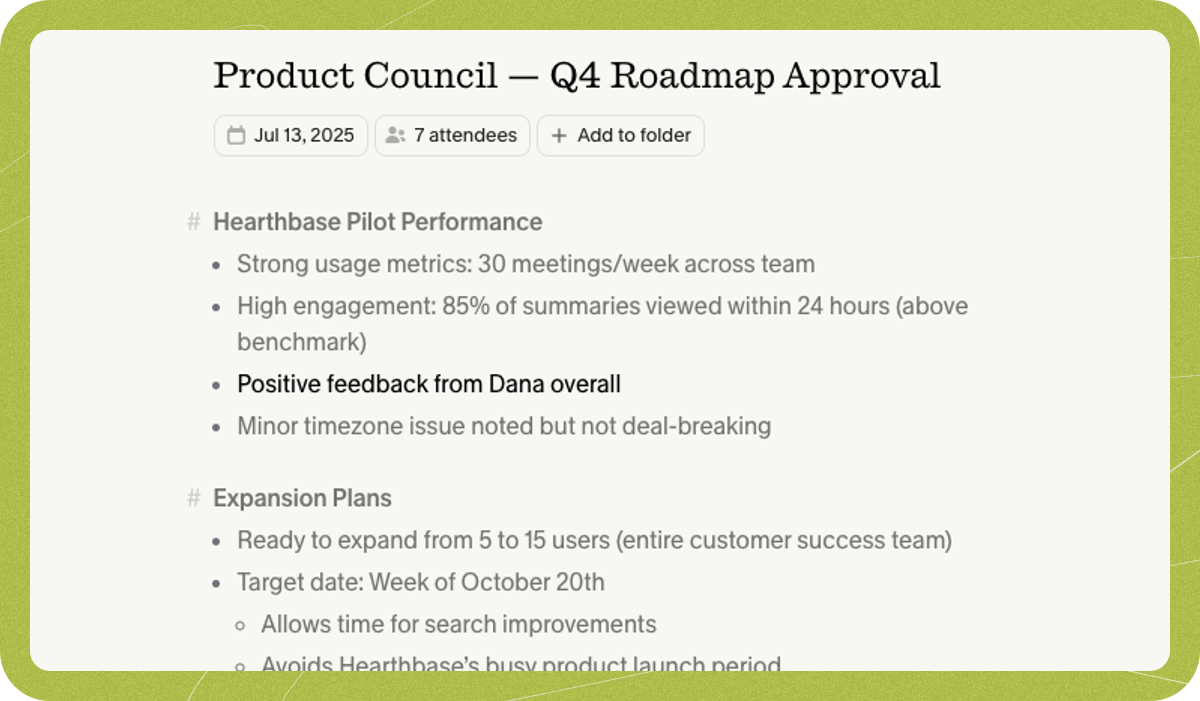
Understanding where summarized notes come from
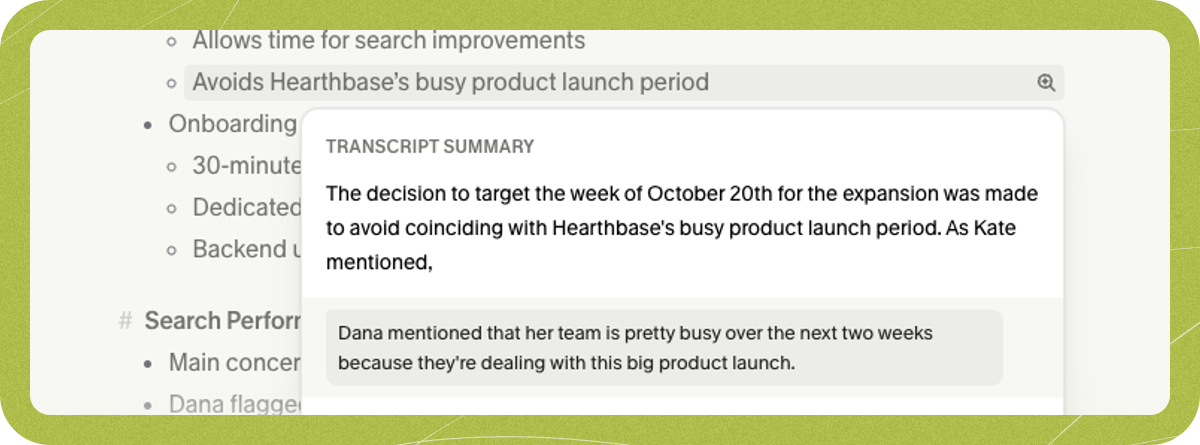
You can check where any point in your summarized notes came from in two ways:-
Click the magnifying glass beside a line to jump to the matching spot in the transcript or your private notes:
- Open Granola Chat with ⌘J (Mac) or Ctrl+J (Windows) to ask for specific quotes or more detail on any topic.
What models does Granola use?
Granola uses a blend of models, primarily from OpenAI and Anthropic, and we continually evaluate and refine our prompts.Editing the notes
After Granola generates your notes, you can edit the summarized notes directly, or switch back to your private notes, update them, and regenerate. Granola processes each meeting independently, so edits to one note apply only to that note and won’t change how future meetings are summarized. For a consistent structure across meetings, use custom templates; to give Granola ongoing context about your role, update Settings > Profile.Regenerating your notes
If the first summary isn’t quite what you want, you can:- Ask Granola Chat to revise the notes with specific instructions (for example, “make the next steps section more detailed” or “reorganize the note chronologically”)
- Switch to a different template that better fits the meeting
- Regenerate with the same template using the 🔁 button in the template picker