
Install the add-on
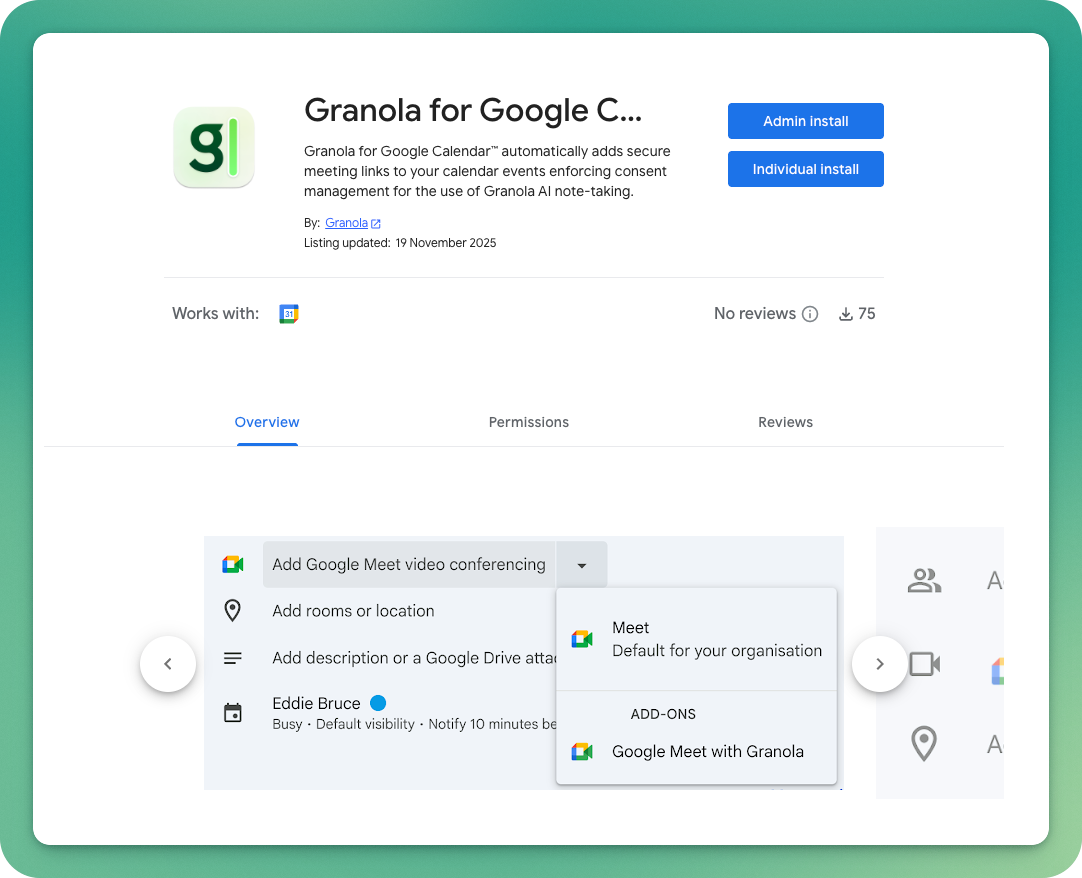
A Google Workspace admin can install the add-on for workspace members:- Open the add-on page for Google Meet or Zoom.
- Select Admin install.
- Follow the prompts to authorize the add-on for your workspace.
Create and check a meeting
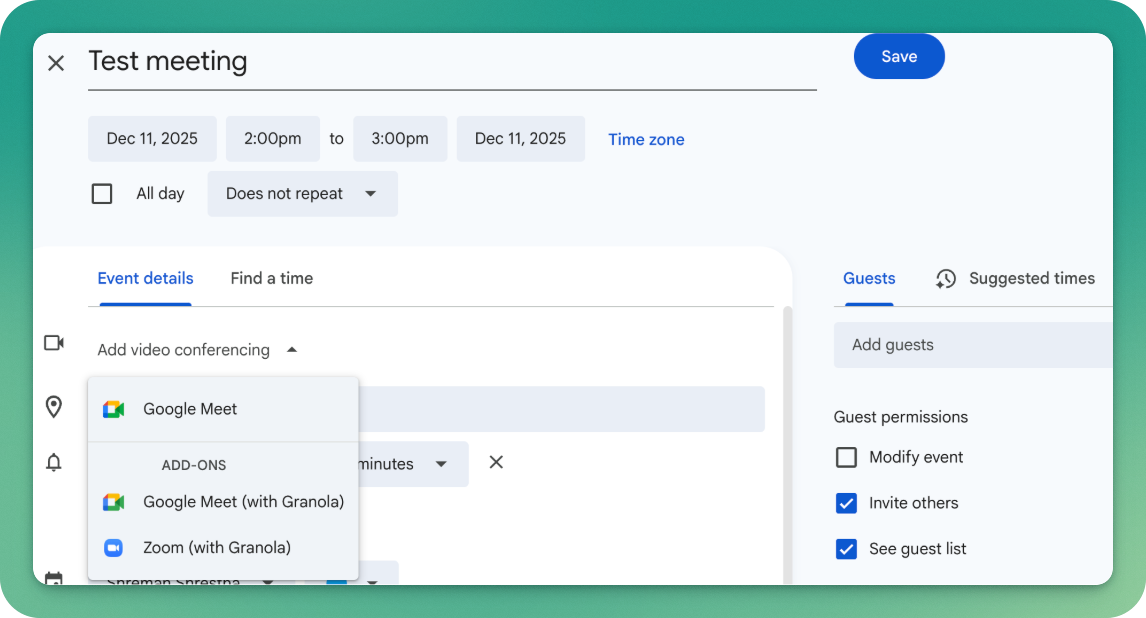
- Create a new event in Google Calendar.
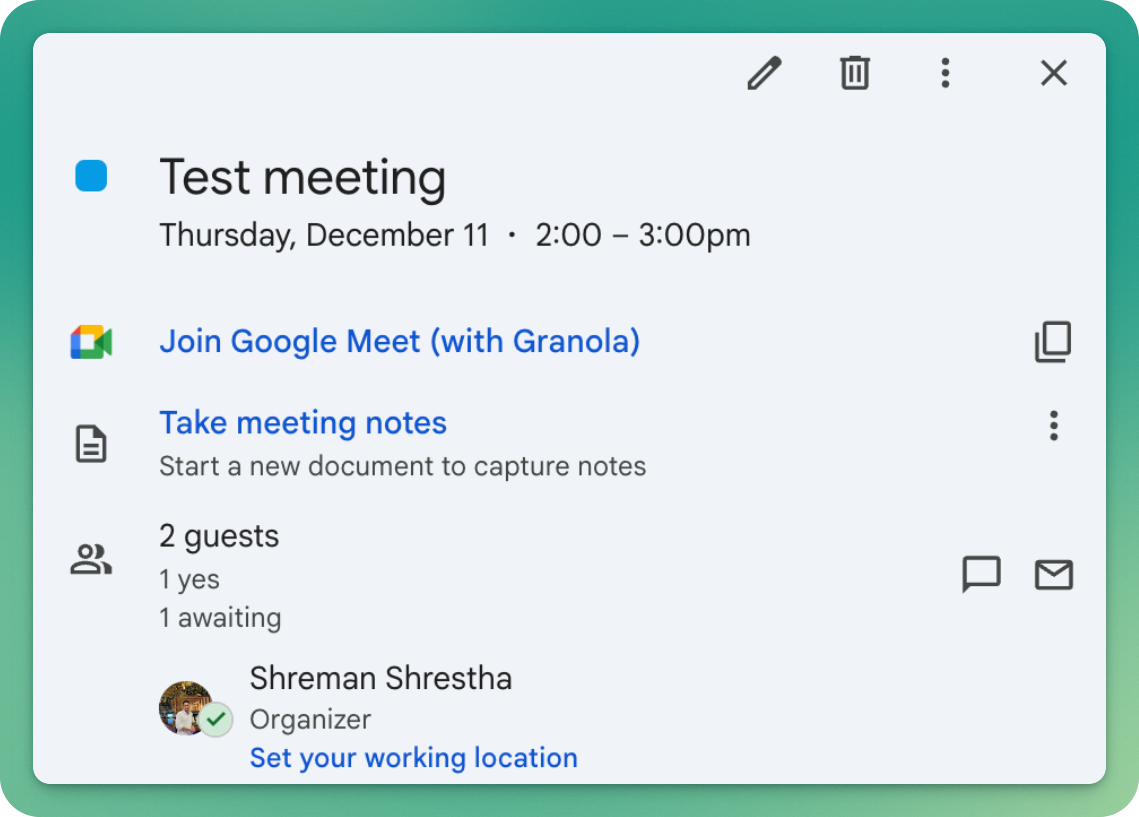
- Under Add video conferencing, select Google Meet (with Granola) or Zoom (with Granola). Skip this step if it is already selected.
- For Zoom, sign in when prompted and select the checkbox that grants shared access. This lets the add-on schedule meetings on your behalf. If you missed the checkbox, open your installed Zoom apps. Find the Granola add-on and authorize shared access.
- Add participants and the other meeting details.
- Save the event.