

Step 1: Wait a few minutes
If your recording is a long one (>1 hour) or you have a slow internet connection, generation can take a few minutes. This will happen in the background, so feel free to go to another app in the meantime. You’ll be notified when it’s generated.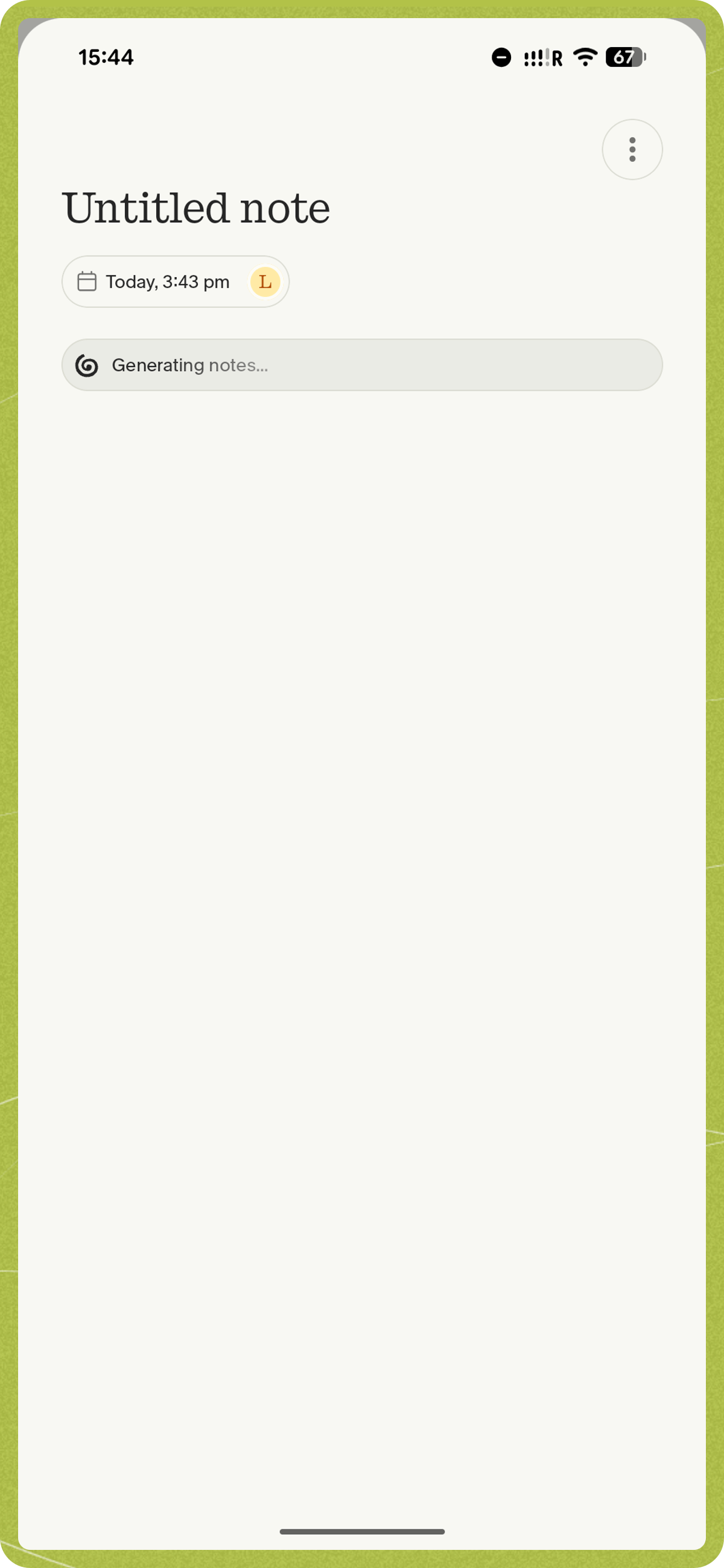
Step 2: Force Close the App
If it has been a while and the app is still generating notes, try force closing the app:- iOS
- Android
- Swipe up from the bottom of your screen (or double-click the home button on older devices) to view your open apps. Find the Granola app and swipe it up to close it completely.
- After a few moments, reopen the app. It may still take a few minutes for the notes to generate, especially if you have a long recording or a slow internet connection.
Step 3: Check for Pause/End Indicators
If you see a pause indicator showing, you may need to tap ‘end’ on the note again to re-trigger summarization. Open the note and tap the End button to do this.Step 4: Get in touch & we’ll investigate
If the notes still do not generate after following the above steps, please get in touch with our support team with information about what happened and the note that was impacted. This will help us diagnose the issue more effectively.- On iOS: tap your profile picture, tap ‘Report a bug’, describe your issue, tap ‘include logs’, then ‘send’.
- On Android: open Settings (tap your profile picture), tap Contact us, and describe your issue in the email.