

Accessing the note editor
When you start a new meeting or note on mobile, a note in progress card will appear at the bottom of your screen. Open the note editor during transcription (on iOS, swipe up on the note in progress card), and you can add your own context and thoughts during the meeting, which Granola will use as context when generating enhanced notes.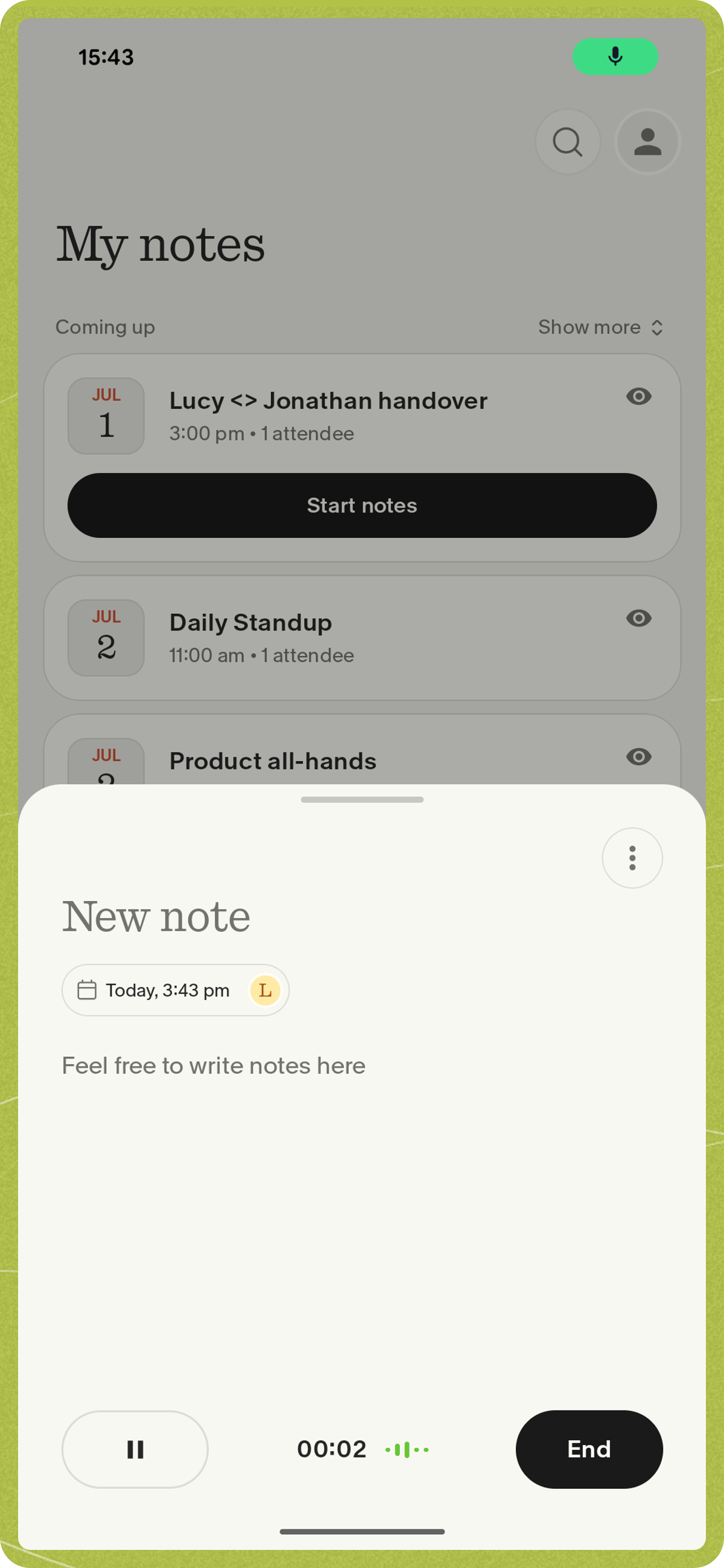
Why add your own notes?
- Highlight big moments or decisions.
- Headers help Granola structure the final “enhanced” notes.
- Bullets help Granola capture key important details that matter to you
Formatting tips
- Headers: Use
###to create a header (these will usually be carried through to your enhanced notes) - Bullet points: Use
*or-for simple bullet points - Typos and abbreviations: Granola will understand and fix them - think of it like an even better autocorrect!