> ## Documentation Index
> Fetch the complete documentation index at: https://docs.granola.ai/llms.txt
> Use this file to discover all available pages before exploring further.
# Writing your own notes
> Take notes during meetings in Granola. Your notes guide the AI enhancement. Jot key points, get comprehensive summaries.

You can write your own notes in Granola as your conversation is happening, to help guide how the AI-enhanced notes will be generated.
 ## Taking notes
Once your meeting starts in Granola, you'll see the **Note Editor** pane. It's a blank canvas.
Granola uses what you've written to shape its notes: any notes you take are seen as important details to include.
**Don't worry about typos and abbreviations**: Granola will understand and fix them!
## Adding headings and formatting
If you do want to guide the structure, you can do so using basic markdown:
* **Key points**: "Project deadlines: next Tuesday"
* **Headers**: Type `# Agenda`, `# Key Moments`, etc.
* **Bullet points**: `-` or `*`
* **Checkbox:** \[]
* **Bold**: `**important**` or CMD/CTRL + B
* **Italic**: `*emphasis*` or CMD/CTRL + I
* **Underline:** CMD/CTRL + U
Headings and bullets help structure the final notes.
## Adding images
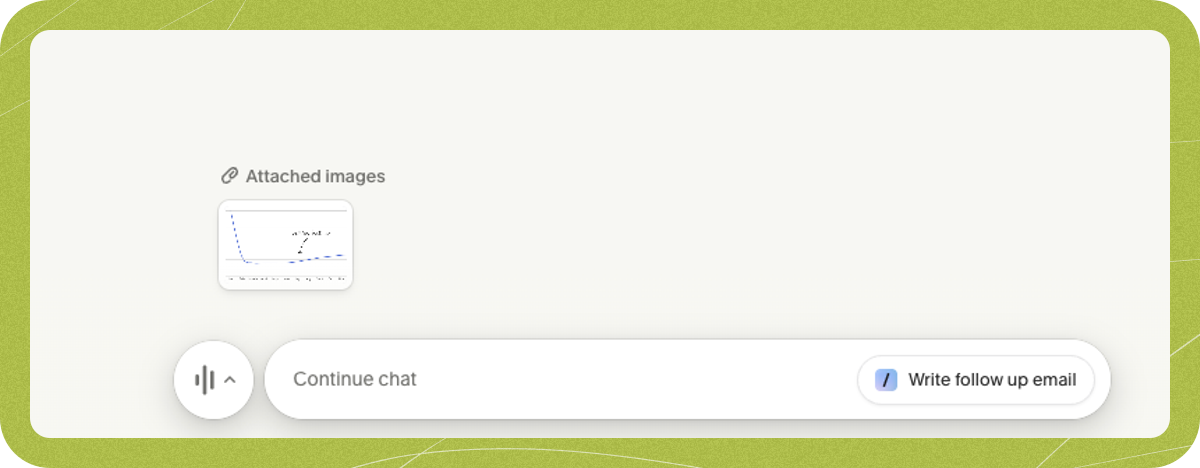
To give Granola extra context, or if something visual came up during the meeting, you can add images to the raw notes, too. Feel free to drag and drop (or copy and paste) an image (JPEG or PNG) into the notes.
## Taking notes
Once your meeting starts in Granola, you'll see the **Note Editor** pane. It's a blank canvas.
Granola uses what you've written to shape its notes: any notes you take are seen as important details to include.
**Don't worry about typos and abbreviations**: Granola will understand and fix them!
## Adding headings and formatting
If you do want to guide the structure, you can do so using basic markdown:
* **Key points**: "Project deadlines: next Tuesday"
* **Headers**: Type `# Agenda`, `# Key Moments`, etc.
* **Bullet points**: `-` or `*`
* **Checkbox:** \[]
* **Bold**: `**important**` or CMD/CTRL + B
* **Italic**: `*emphasis*` or CMD/CTRL + I
* **Underline:** CMD/CTRL + U
Headings and bullets help structure the final notes.
## Adding images
To give Granola extra context, or if something visual came up during the meeting, you can add images to the raw notes, too. Feel free to drag and drop (or copy and paste) an image (JPEG or PNG) into the notes.
 ## Or, leave it blank!
While taking a few notes can help guide Granola, it works just fine without any notes taken, working solely off the transcript and the basic info it has about the meeting.
## Or, leave it blank!
While taking a few notes can help guide Granola, it works just fine without any notes taken, working solely off the transcript and the basic info it has about the meeting.