> ## Documentation Index
> Fetch the complete documentation index at: https://docs.granola.ai/llms.txt
> Use this file to discover all available pages before exploring further.
# Notes not generating
> Troubleshoot when Granola notes aren't generating on mobile. Common causes and fixes for note generation on iOS and Android.
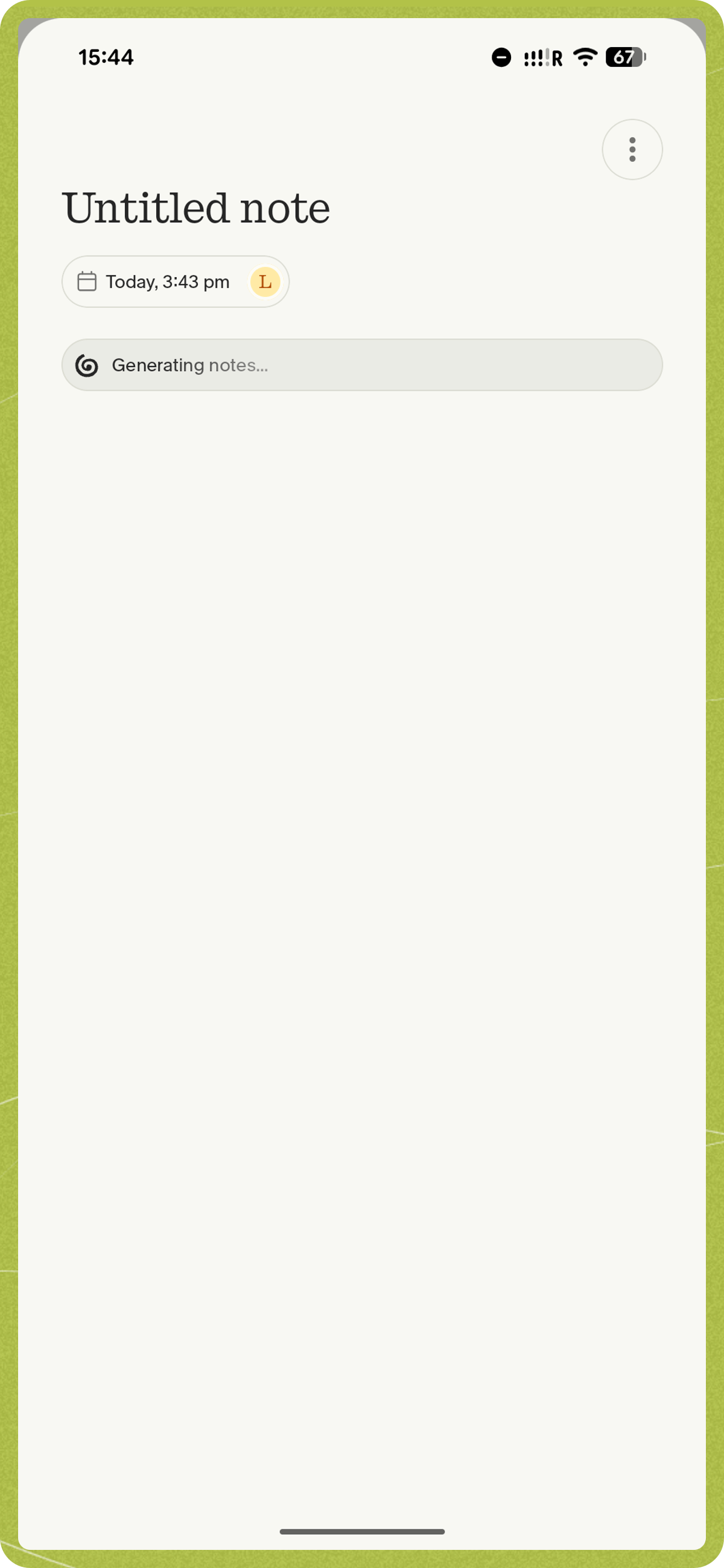
Occasionally, Granola can get a little stuck after it's captured the transcription. Here are some steps to get you unblocked.
## Step 1: Wait a few minutes
If your recording is a long one (>1 hour) or you have a slow internet connection, generation can take a few minutes. This will happen in the background, so feel free to go to another app in the meantime. You'll be notified when it's generated.
## Step 2: Force Close the App
If it has been a while and the app is still generating notes, try force closing the app:
* Swipe up from the bottom of your screen (or double-click the home button on older devices) to view your open apps. Find the Granola app and swipe it up to close it completely.
* After a few moments, reopen the app. It may still take a few minutes for the notes to generate, especially if you have a long recording or a slow internet connection.
* Open your recent apps (swipe up from the bottom and hold, or tap the recents button), find Granola, and swipe it away to close it completely. Alternatively, go to **Settings > Apps > Granola > Force stop**.
* After a few moments, reopen the app. It may still take a few minutes for the notes to generate, especially if you have a long recording or a slow internet connection.
## Step 3: Check for Pause/End Indicators
If you see a pause indicator showing, you may need to tap 'end' on the note again to re-trigger summarization. Open the note and tap the End button to do this.
## Step 4: Get in touch & we'll investigate
If the notes still do not generate after following the above steps, please [get in touch with our support team](/help-center/ios/getting-started#getting-help) with information about what happened and the note that was impacted. This will help us diagnose the issue more effectively.
* **On iOS**: tap your profile picture, tap 'Report a bug', describe your issue, tap 'include logs', then 'send'.
* **On Android**: open **Settings** (tap your profile picture), tap **Contact us**, and describe your issue in the email.
We aim to get back to you within a working day.